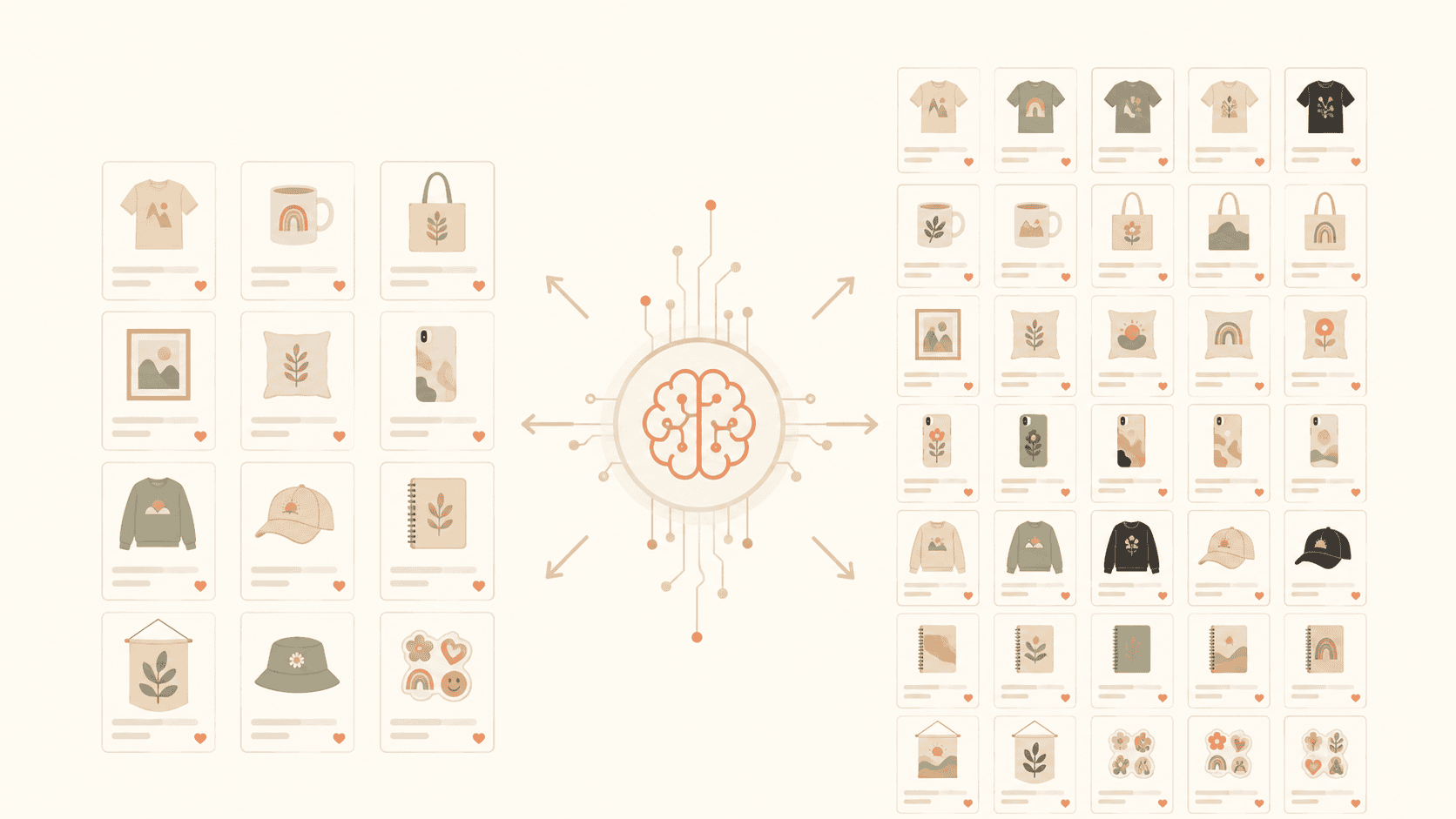
Etsy Print-on-Demand Workflow: From Design to 100 Listings
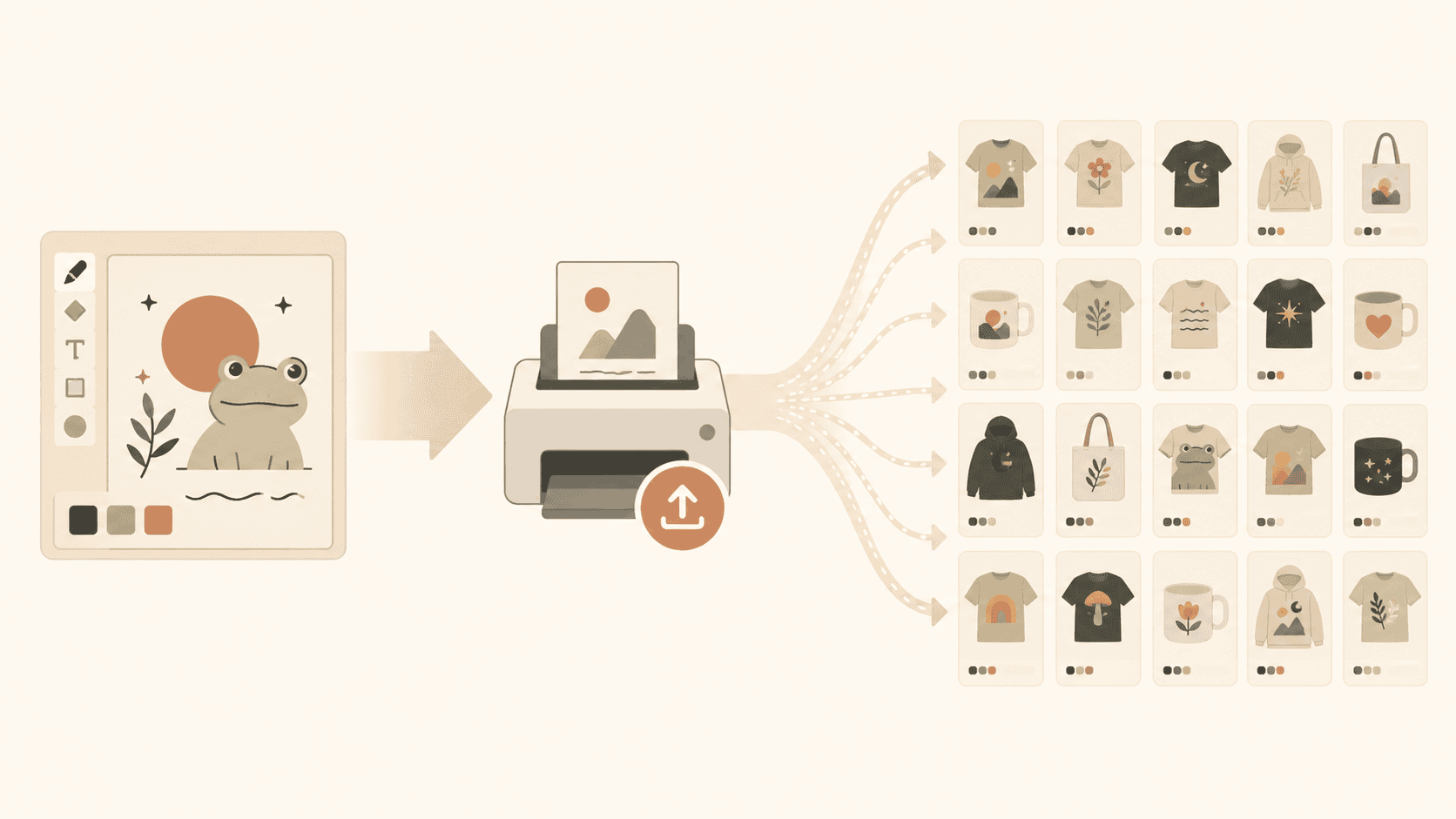
Getting one listing live on Etsy through Printify is straightforward. Getting 100 listings live—with good SEO, correct mockups, and proper pricing—without burning out? That requires a system.
This post walks through the exact workflow to go from a batch of designs to 100 published, optimized Etsy listings as fast as possible.
1. Batch Your Designs First
Don't design one, upload one, write copy for one, then repeat. That context-switching kills your speed.
Instead:
- Design in batches of 10–25. Pick a niche or theme (e.g., "funny nurse shirts" or "minimalist home prints") and create all variations at once.
- Save in a consistent format. Same file dimensions, same naming convention. This saves time during upload.
- Separate "ready to upload" from "needs edits." Don't mix half-finished work into your upload queue.
If you're wondering how to pick which niches to batch, check out how to find profitable Etsy niches.
2. Bulk Upload to Printify
Uploading designs one at a time through Printify's interface is painfully slow at scale. A bulk upload workflow lets you:
- Select multiple designs at once
- Assign them to product templates (shirt type, color, size)
- Set pricing across all variants in one step
- Push everything to your Etsy shop together
For a step-by-step on this, read how I bulk upload to Printify and our Printify-Etsy automation guide.
3. Generate SEO Copy in Bulk (Not One by One)
This is where most sellers waste the most time. Writing a unique title, description, and 13 tags for 100 listings manually would take days.
The faster approach:
- Use AI-powered SEO generation that analyzes your design images
- Generate titles, descriptions, and tags for all listings in one batch
- Review the output (10–15 minutes for 100 listings vs. 10+ hours manually)
What Good Bulk SEO Looks Like:
| Manual approach | Bulk AI approach |
|---|---|
| 5–10 min per listing | 5–10 sec per listing |
| Copy-paste templates | Unique copy per design |
| Guessing at tags | Data-informed tag suggestions |
| 100 listings = 2 weeks | 100 listings = 1 afternoon |
Want to understand what actually makes Etsy rank your listing? Read how Etsy SEO works.
4. Quality Check Before Publishing
Before you hit publish on 100 listings:
- Scan titles for weird AI artifacts or duplicate phrasing
- Check that tags aren't repeated across the same listing
- Verify mockup images look correct (no cut-off designs, wrong placement)
- Confirm pricing accounts for Printify costs + your margin + Etsy fees
A 15-minute review pass now saves you from deactivating and fixing listings later.
Use our Etsy listing optimization checklist as a quick reference during this step.
5. Publish and Monitor
After publishing:
- Don't touch listings for 2–4 weeks. Etsy needs time to index and test your listings in search.
- Track which listings get views vs. which get zero. Zero-view listings after 3 weeks likely have an SEO problem.
- Bulk-edit underperformers. Rewrite titles/tags for listings that aren't getting impressions.
The data shows that more listings = more sales, but only when each listing is properly optimized. And if you want proof that consistency compounds, read how two listings per day tripled sales.
6. The Repeatable Loop
Once you've done this once, the system repeats weekly:
- Design batch (Monday–Tuesday)
- Bulk upload to Printify (Wednesday)
- Bulk AI SEO generation (Wednesday)
- Review + publish (Thursday)
- Monitor + bulk-edit previous batches (Friday)
At this pace, you're adding 25–50 optimized listings per week. In a month, that's 100–200 new listings—all with proper SEO from day one.
Bottom Line
The difference between sellers with 50 listings and sellers with 500 isn't talent or time—it's workflow. Batch your designs, bulk upload, bulk generate SEO, and review in passes. The creative work stays fun. The repetitive grind gets automated.