
Our Blog
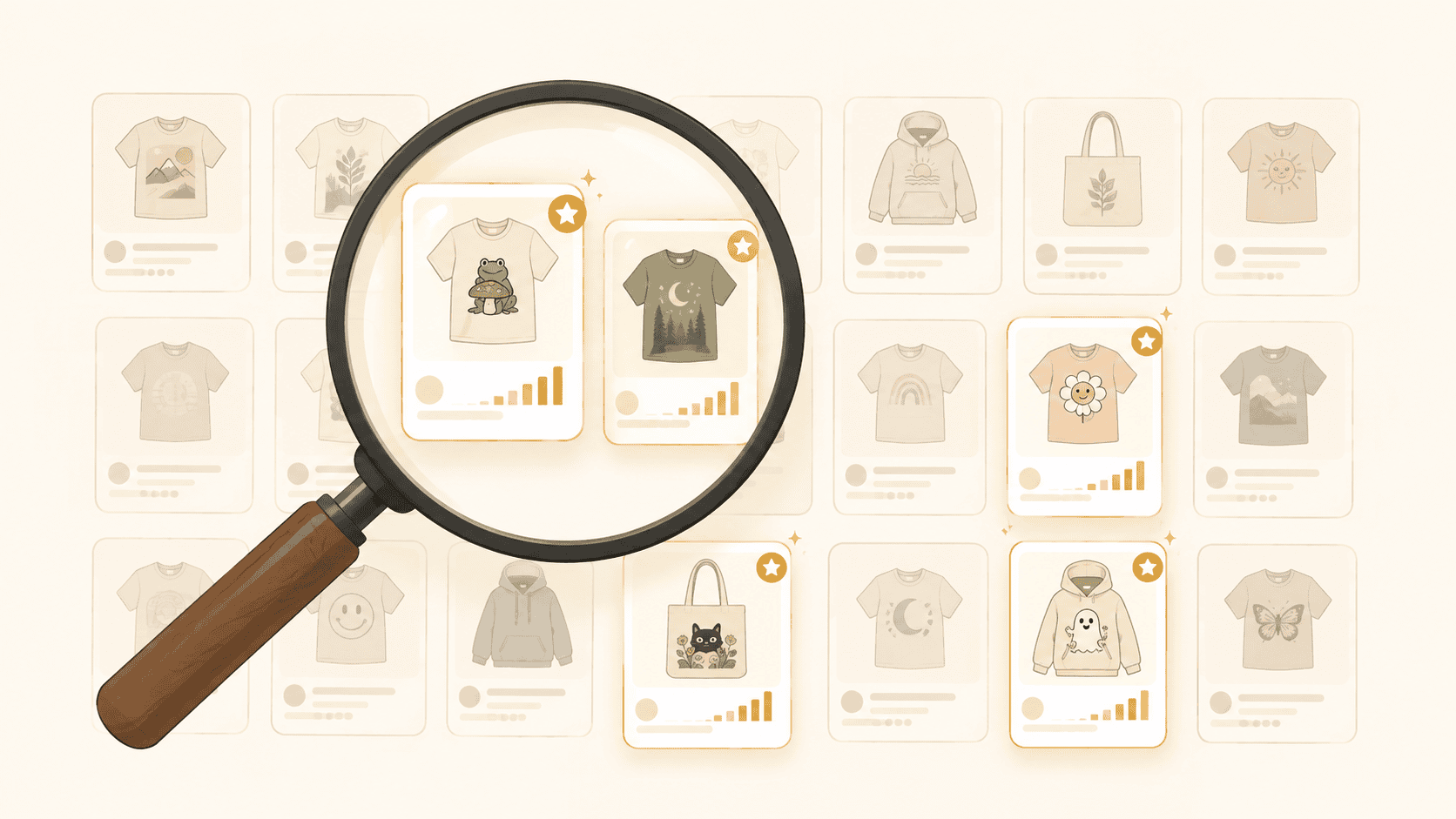
Every successful Etsy seller does product research. But most do it wrong—they browse Etsy, see a listing with lots of reviews, and assume it's a bestseller...
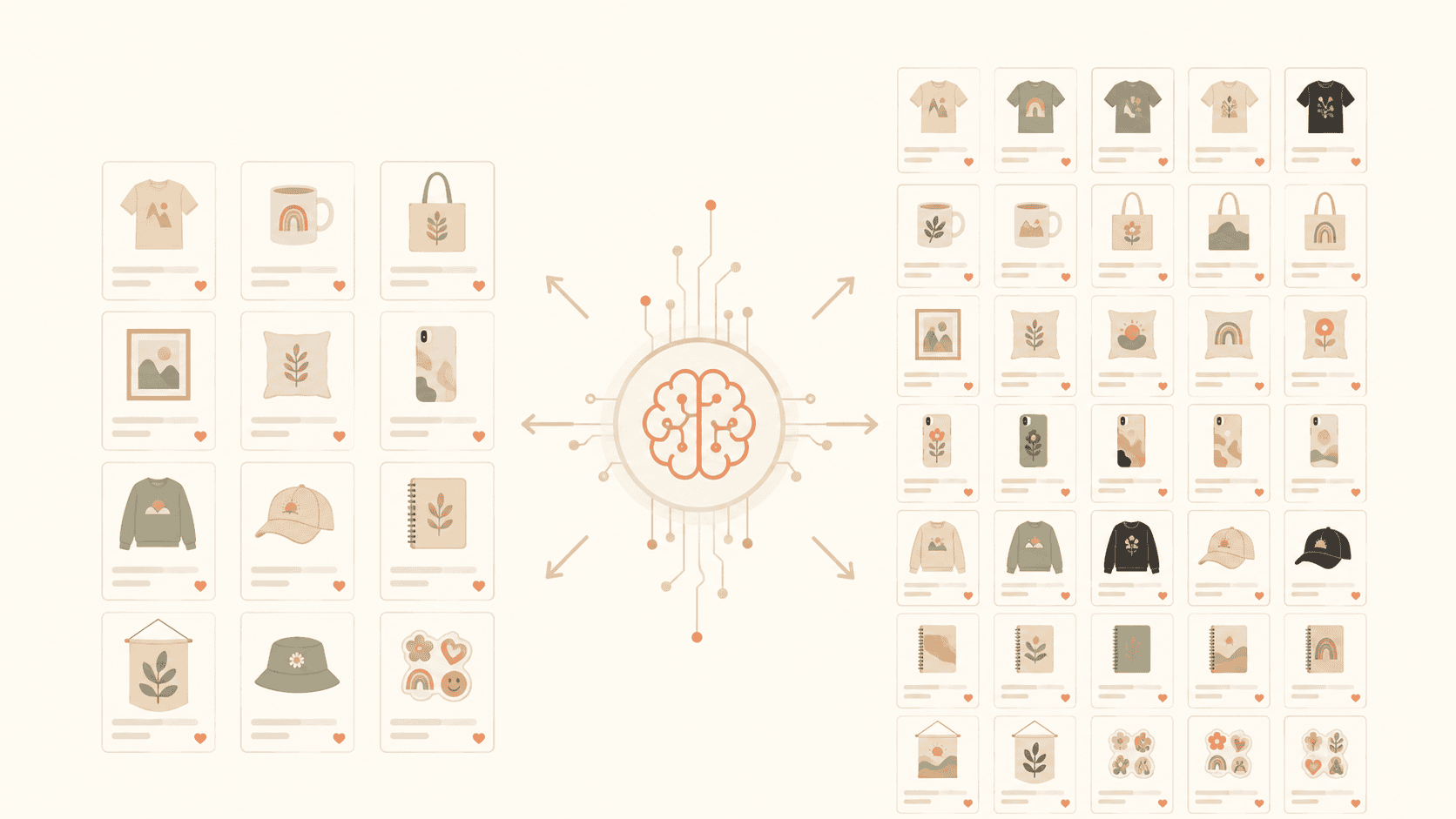
Most Etsy sellers hit a ceiling around 50–100 listings. Not because they run out of ideas, but because writing optimized titles, descriptions, and tags for...
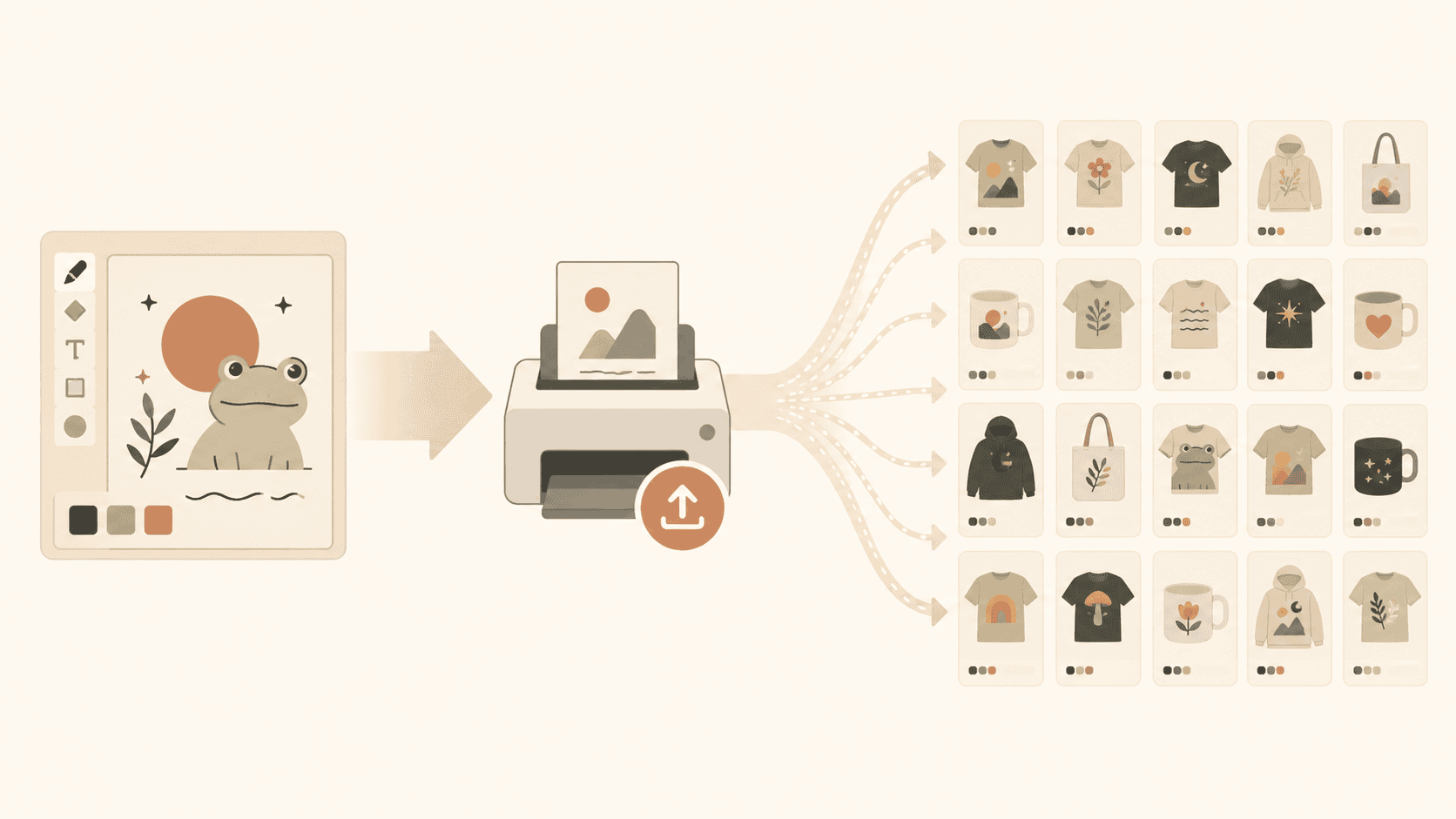
Getting one listing live on Etsy through Printify is straightforward. Getting 100 listings live—with good SEO, correct mockups, and proper pricing—without ...

For a year my shop was stuck. A few sales a week — alive, but not a business. So I did what everyone stuck at that level does: I fiddled. Rewrote titles. S...
Etsy shows buyers everything and sellers almost nothing. Price, photos, reviews — visible. The stuff that tells you whether to enter a niche — traffic, dem...

You've got 40 or 80 or 150 listings. A few sold once, months ago. Most never have. Most sellers now do one of two things, and both are wrong. They blow it ...
Your shop isn't underperforming. It's undersized. A seller tells me their shop is dead. I ask how many listings. They say 23. Then they want to talk about ...

You know the feeling. You're scrolling Pinterest at 11pm, you see a design, your brain lights up, and you think: "Oh my god, that would sell SO well on Ets...
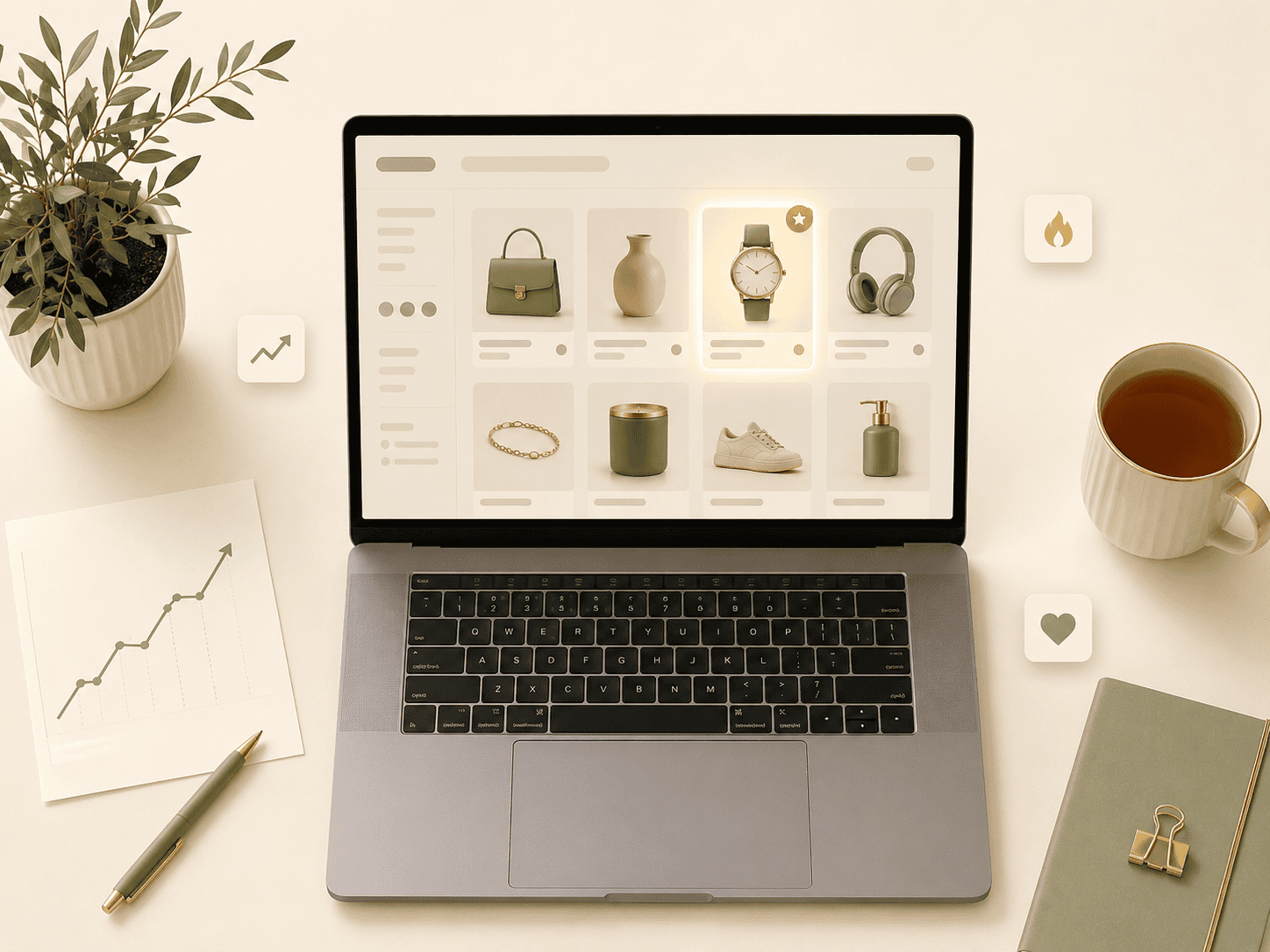
Every Etsy seller wants to know the same thing: what's actually selling right now? Not what sold last year. Not what's in someone's Pinterest trend report ...

Here's the hard truth about Etsy in 2026: picking the wrong niche will kill your shop faster than bad designs, bad photos, or bad SEO. You can have the bes...
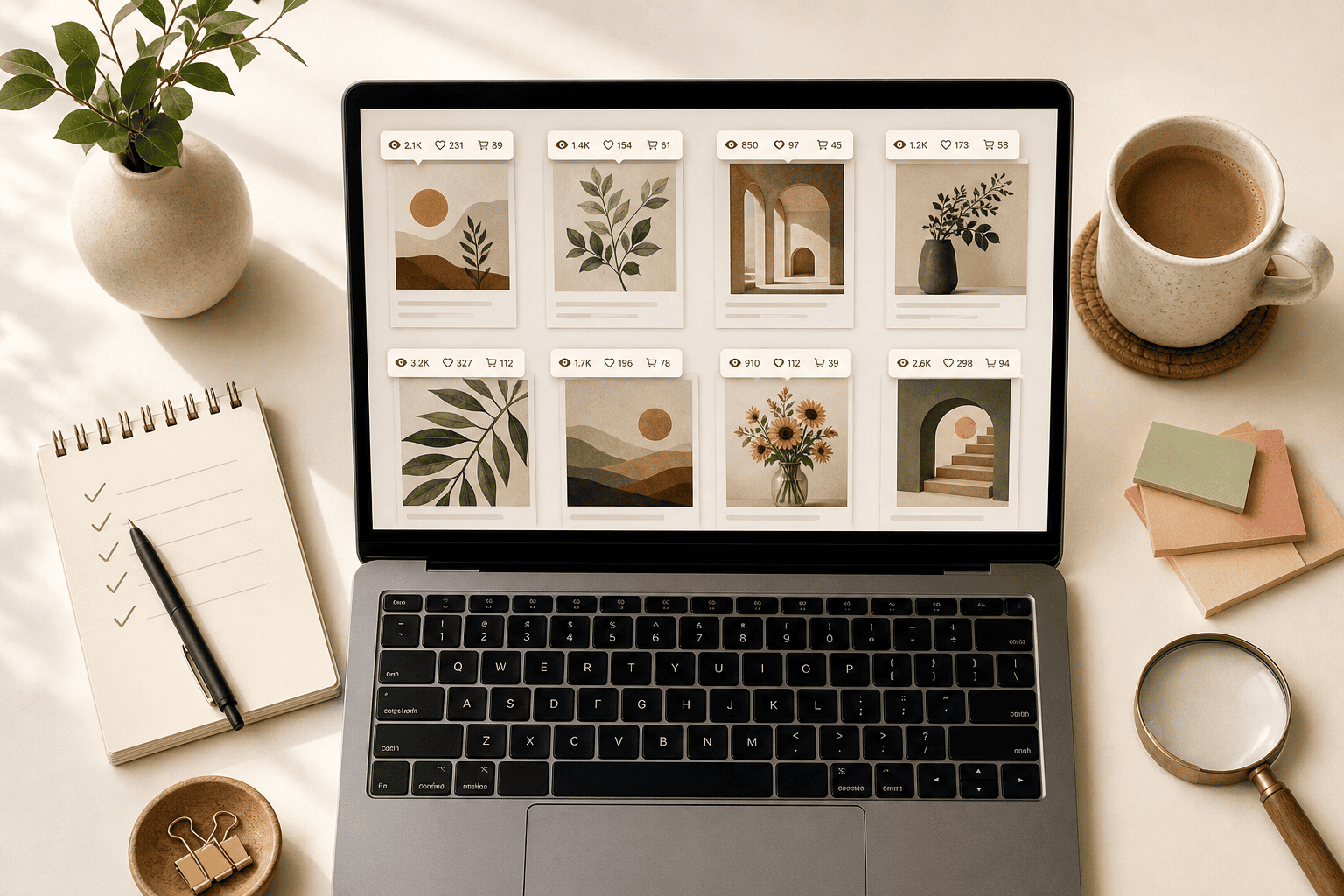
Let's be honest—when most people start an Etsy shop, they skip the boring part. They jump straight into designing, listing, and hoping for sales. I did the...

Here's a strange truth about Etsy: your competitors are the most valuable free research tool you have. Not Pinterest. Not Google Trends. Not influencer tre...

Updating dozens of Etsy listings one by one is a time sink. This guide shows you exactly how to bulk edit Etsy titles, tags, descriptions, images, and videos in minutes instead of hours.

Manual uploads, one-by-one title edits, copy-pasting tags — stop doing it the hard way. Here is a complete guide to automating your Printify and Etsy print-on-demand workflow in 2026.

A complete, actionable checklist to optimize every Etsy listing for maximum search visibility and conversion in 2026 — covering titles, tags, descriptions, images, and pricing.
A step-by-step guide to connecting your Printify account to Etsy — including the most common mistakes sellers make after the connection and how to avoid them.

Let’s face it—getting traffic to your Etsy store isn’t easy, especially when you’re competing with thousands of other sellers. And if you’re like me, you p...

Bulk uploading to Printify can save you hours. Let’s be real—uploading designs one by one? That's not efficient. You’re probably thinking: - How do I bulk ...

If you’re running a Print on Demand (POD) business on Etsy, you’re probably always looking for ways to drive more traffic and boost your sales. Etsy is a c...

Let’s be real—coming up with designs that actually sell on Etsy isn’t as easy as throwing a few ideas on a T-shirt and hoping for the best. I know, I’ve be...

Let’s cut to the chase—you want to increase your print-on-demand (POD) sales. I’ve been there, staring at stagnant numbers, wondering why things weren’t mo...

You’ve spent time and effort optimizing your Etsy listings for SEO, but despite all your efforts, you’re not seeing the results you expected. This can be i...

If you’re an Etsy seller, you’ve probably noticed that your sales don’t remain consistent throughout the year. Like many retail businesses, Etsy sales tend...

Etsy is known for its unique, handmade, and vintage items, making it a go-to marketplace for shoppers looking for one-of-a-kind products. But if you’re thi...

If you're an Etsy seller, you've likely heard about the importance of SEO, but what exactly is Etsy SEO? Search Engine Optimization (SEO) is a set of strat...

If you’ve noticed a sudden drop in your Etsy sales, you’re probably wondering what went wrong. It can be frustrating to see your hard-earned progress stall...

Growing your Etsy shop's traffic is essential for increasing sales and expanding your business. With millions of sellers on Etsy, standing out and attracti...

Increasing traffic to your Etsy shop is essential for driving more sales and growing your business. Whether you're a new seller or have been on the platfor...

Improving your Etsy SEO (Search Engine Optimization) is essential for getting your products discovered by potential buyers. With millions of listings on Et...

Getting traffic to your Etsy shop is crucial for driving sales and growing your business. Whether you're just starting or looking to expand your customer b...

Understanding how Etsy SEO (Search Engine Optimization) works is essential for any seller looking to improve their shop’s visibility and drive more sales. ...

Etsy is a popular online marketplace where people around the world buy and sell handmade, vintage, and unique goods. If you're considering selling on Etsy ...

Crafting the perfect title for your Etsy listings can be the difference between being found by potential buyers or getting lost in the sea of products. You...

Optimizing your Etsy shop for search engines is one of the most crucial steps to ensure your products get found by potential buyers. However, with so many ...

If you've noticed a drop in your Etsy sales recently, you're not alone. Many sellers have reported fluctuations in their sales, leading to concerns that Et...
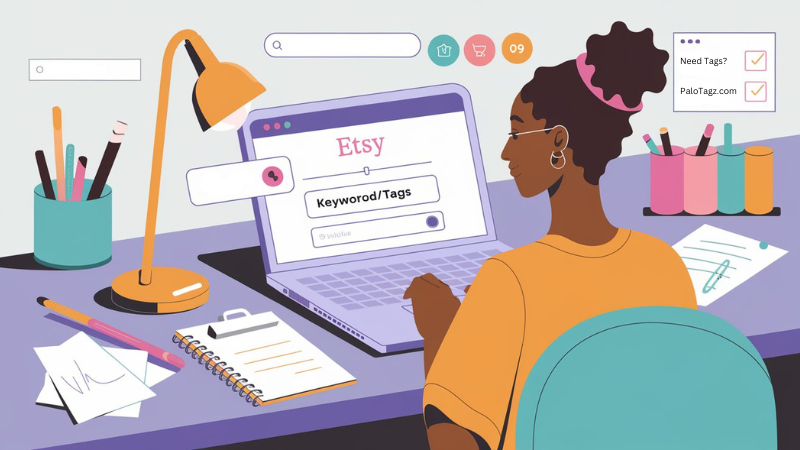
Creating the right tags for your Etsy listings is crucial for getting your products discovered by potential buyers. Tags play a key role in Etsy's search a...

When you optimize your Etsy listings for search, it's natural to wonder how long it will take to see results. Etsy SEO (Search Engine Optimization) is a po...

Writing the perfect product description for your Etsy listings is crucial for attracting and converting potential buyers. While many sellers focus on their...