

Turn product listings into scheduled Pinterest Pins.
Select products, choose their images, and publish now or build a steady Pinterest queue.
Pinterest publishing
3 selectedEtsyShopifyeBay
Publishing queue3 Pins per day
ReadyYour product photos and listing links are already ready. Rebuilding them by hand for Pinterest is the slow part.
Select the products.
PaloTagz builds the queue.
Connect a storeSelect listingsChoose a boardPublish or schedule
A publishing plan from products you already have.
Keep the listing image, copy, and destination together from source selection to Pinterest.
Select listings in one view
Search, sync, and select products from Etsy, Shopify, or eBay.
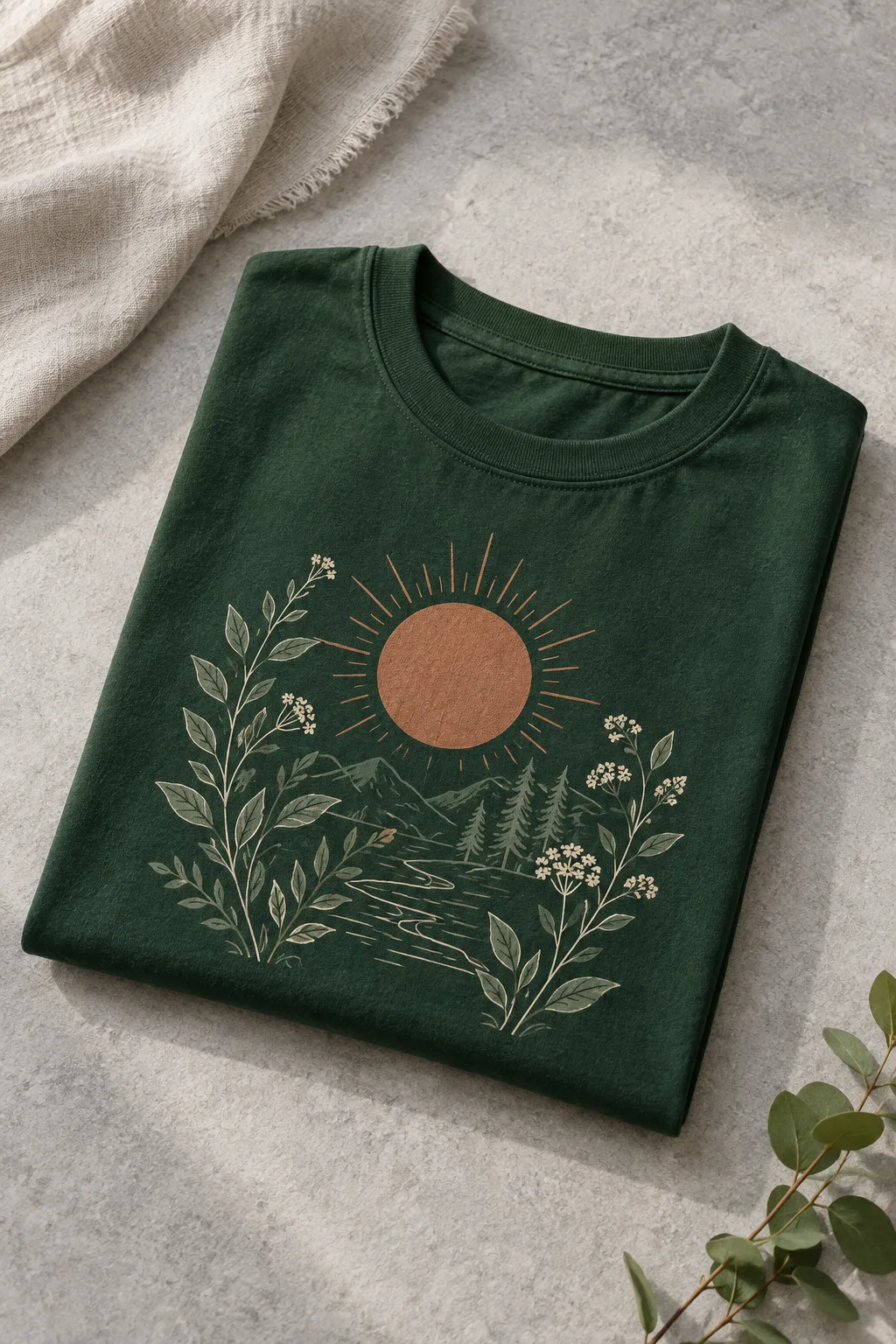
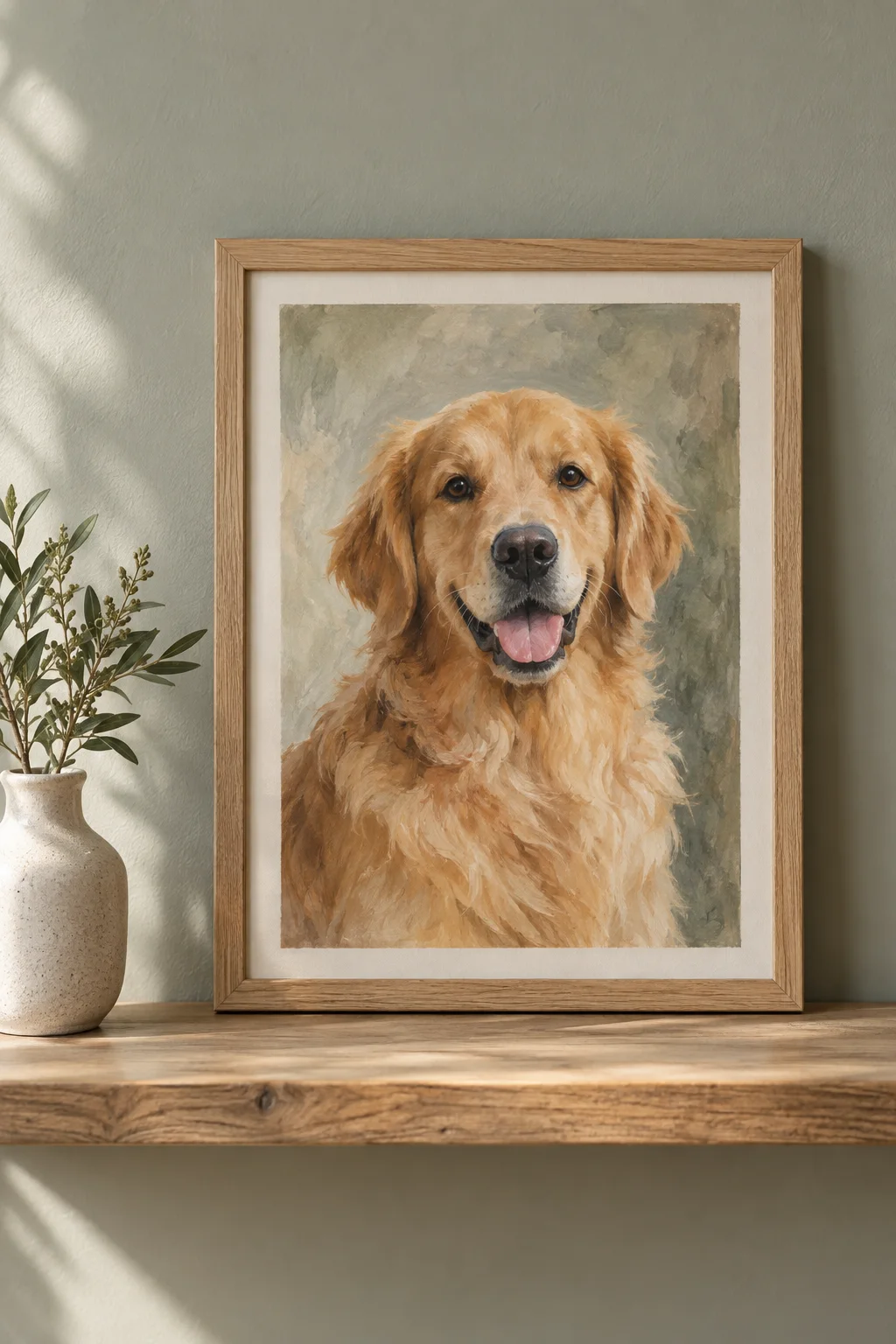
Moon phase mugEtsyBotanical shirtShopifyCustom pet portraiteBayChoose the image count
Use one listing image or turn several into separate Pins.
6 listings×3 images=18 Pins
Pick the right board
Choose an existing board or create a new one in the dialog.
Gift ideasSelected boardKeep every product link
Each Pin sends visitors back to the listing it came from.
pinterest.com/pinyour product
Publish now, or give the batch room to breathe.
Choose a start date and daily pace. PaloTagz spaces the Pins across the queue and publishes them as they become due.
- Start on the date and hour you choose.
- Choose 2, 4, 6, 8, 12, or 24 Pins per day.
- Cancel pending Pins from the queue.
Moon phase mugPublishing nextBotanical shirtScheduledCustom pet portraitScheduledMoon phase mugScheduledFrom repetitive posting to one publishing plan.
The same product information moves through a controlled batch instead of being copied into Pinterest one Pin at a time.
Manual posting
Download imageRepeat for every Pin
Copy listing titleRepeat for every Pin
Paste product linkRepeat for every Pin
PaloTagz batch9 Pins scheduled togetherEvery Pin keeps its original product link
Questions before your first queue.
Your listings are ready to travel further.
Select the products, choose a board, and turn the batch into a steady Pinterest queue.
Create Pins