Best Etsy Bulk Listing Editor for POD Sellers

The best Etsy bulk listing editor is the one that finishes your recurring task with the fewest corrections. For a basic shared tag or description update, start with Etsy. For spreadsheet imports, evaluate Vela. For POD product creation alongside live listing edits, evaluate PaloTagz.
I build PaloTagz. The comparison below uses published workflows and tells you what to check before buying.
Choose by the fields you need to change
| Tool | Workflow worth evaluating | Check before choosing |
|---|---|---|
| Etsy Shop Manager | Shared edits to titles, tags, descriptions, prices, and supported shop fields | Whether its native actions complete your task |
| Vela | Bulk edits, reusable Profiles, and CSV imports or exports | Import mapping, sync behavior, and the plan covering your shops |
| PaloTagz | Printify batch creation, editable AI listing copy, and shared Etsy text or media changes | Product settings, copy accuracy, and the live result of a small edit |
Etsy's native bulk-edit documentation lists titles, tags, and descriptions among its supported fields. You do not need a paid editor merely to change one of those fields across a selection.
Vela's CSV workflow covers imports for updates and new listings. Its bulk-edit guide explains the difference between applying changes and syncing them to a shop. Check that sequence before publishing an edit.
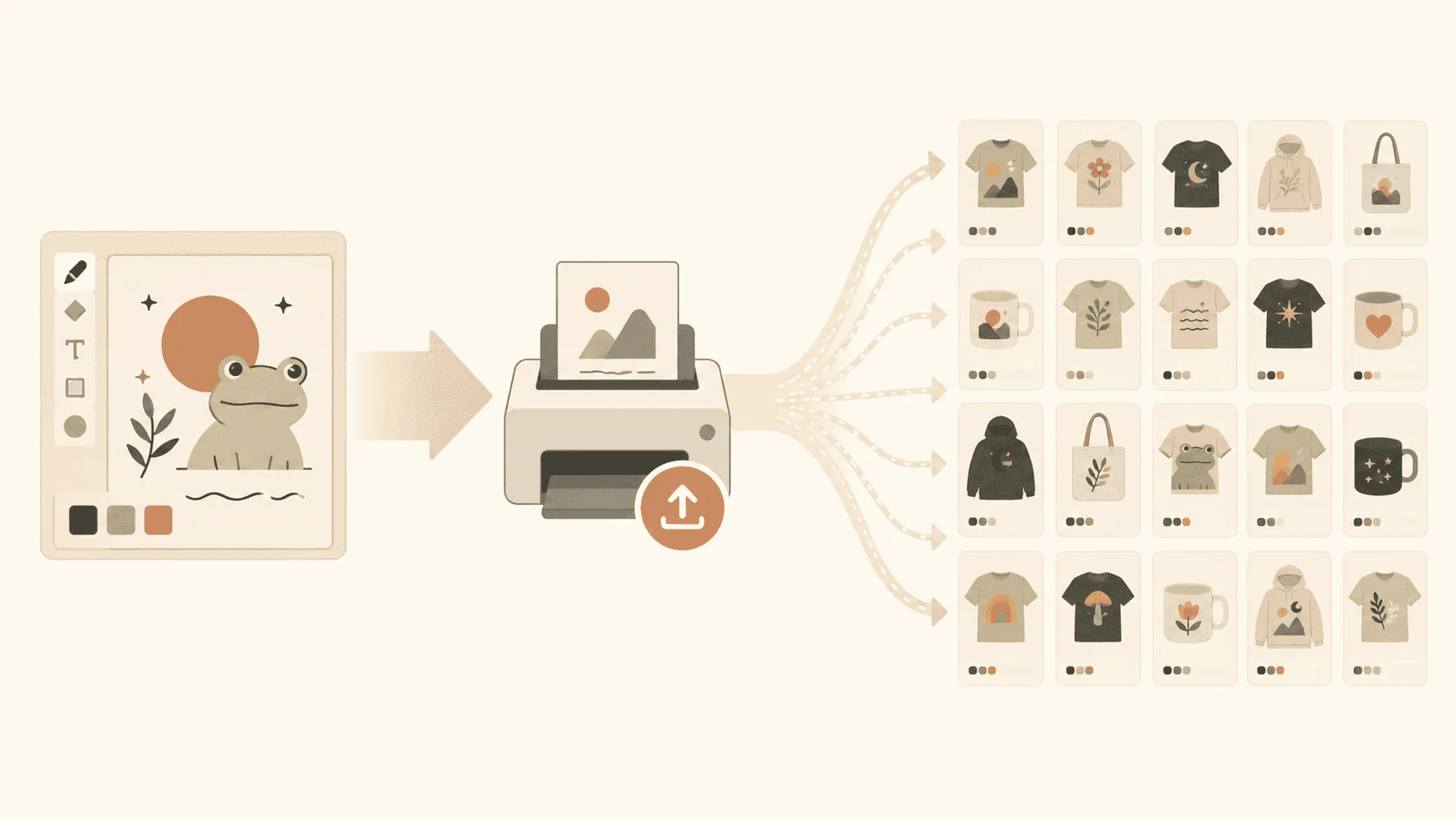
PaloTagz fits sellers who also need to turn design files into Printify products, prepare copy, and maintain listing media. See the Etsy editor workflow and Printify bulk uploader.
Run a useful evaluation
Pick a small group of listings with a genuine shared change. Adding a size chart to five products or replacing an obsolete tag makes the outcome easy to inspect.
Before saving, record the original values. Confirm which listings are selected and which fields will change. After the action completes, open the live listings and check both the changed field and anything the operation might affect.
For a price edit, inspect variants. For a media edit, check image order and color assignments. For a description update, confirm that each product kept its unique details.
If part of the batch fails, identify the failed listings before retrying. Repeating a prepend operation on products that already succeeded can add the same text twice.
Count the review time
A bulk editor can apply a mistake across an entire collection. Your evaluation should include the time spent checking selection, reviewing drafts, and confirming live changes.
PaloTagz's paid toolkit is €9.99 per month, €89.99 per year, or €149.99 for lifetime access. Compare that cost with the work you perform regularly. Verify current competitor plans on their own sites before comparing total subscription costs.
If your main job is tagging, use the bulk tag walkthrough. If the products do not exist yet, start with uploading 100 designs to Printify.
FAQ
What is the best free Etsy bulk listing editor? Start with Etsy Shop Manager for the fields its native bulk editor supports. A paid tool needs to save time on additional work you perform often.
Which editor should I evaluate for POD? Evaluate PaloTagz if you need Printify product templates and listing copy alongside catalog edits. Evaluate Vela if CSV imports and reusable listing Profiles match your workflow.
Will bulk editing improve my Etsy ranking? A change needs to improve the actual listing. Tags can help it match relevant searches; clear product details and useful images help buyers decide. Applying the same edit to more listings does not guarantee a ranking improvement.