Edit your eBay POD listings in bulk.
Update related products together, then use listing analytics to see which designs need attention.
Bulk editing and eBay listing analytics
Update selected listings
Sync your catalog, select listings, and choose the fields to update. Fields you leave untouched stay unchanged.
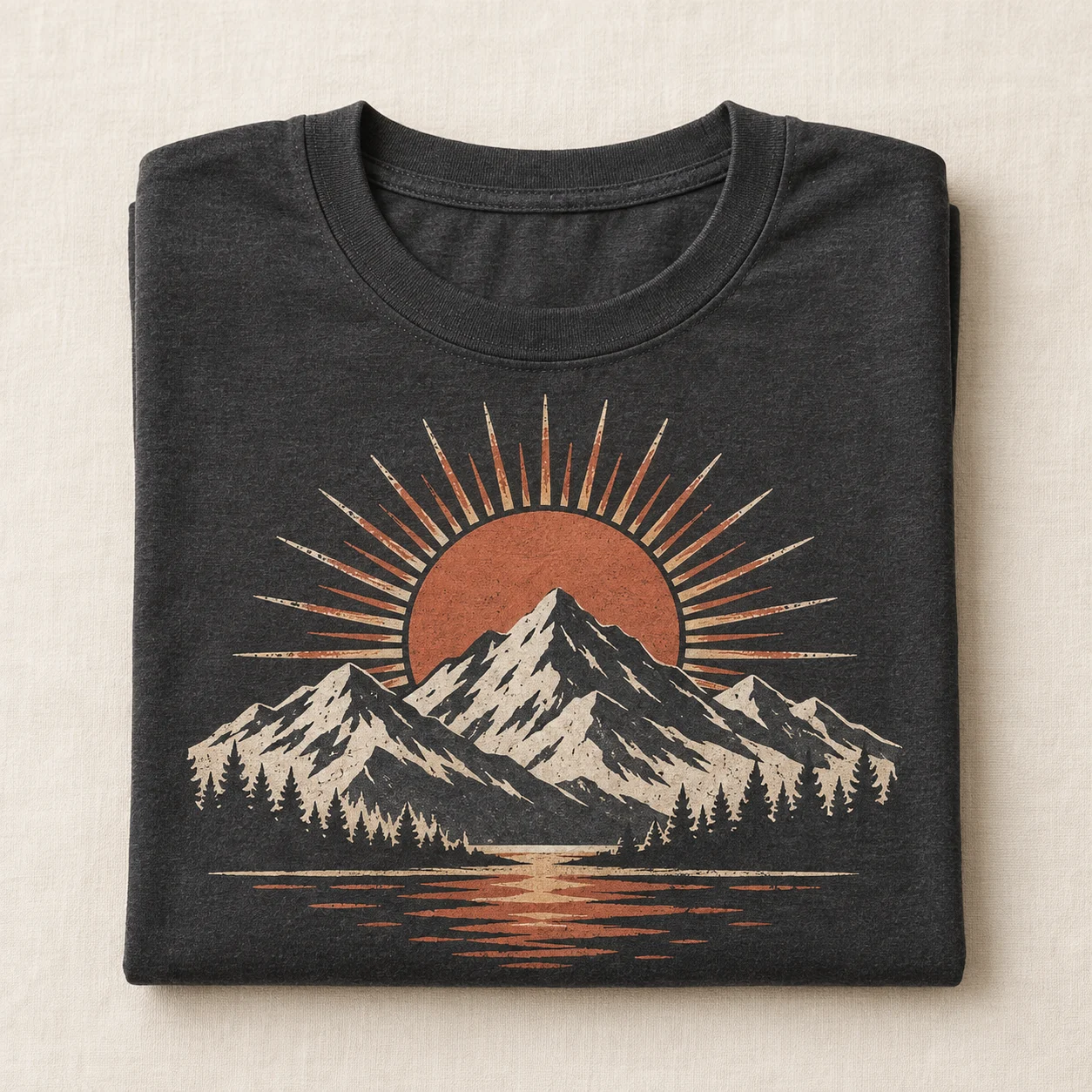 Mountain graphic shirt
 Botanical moon mug
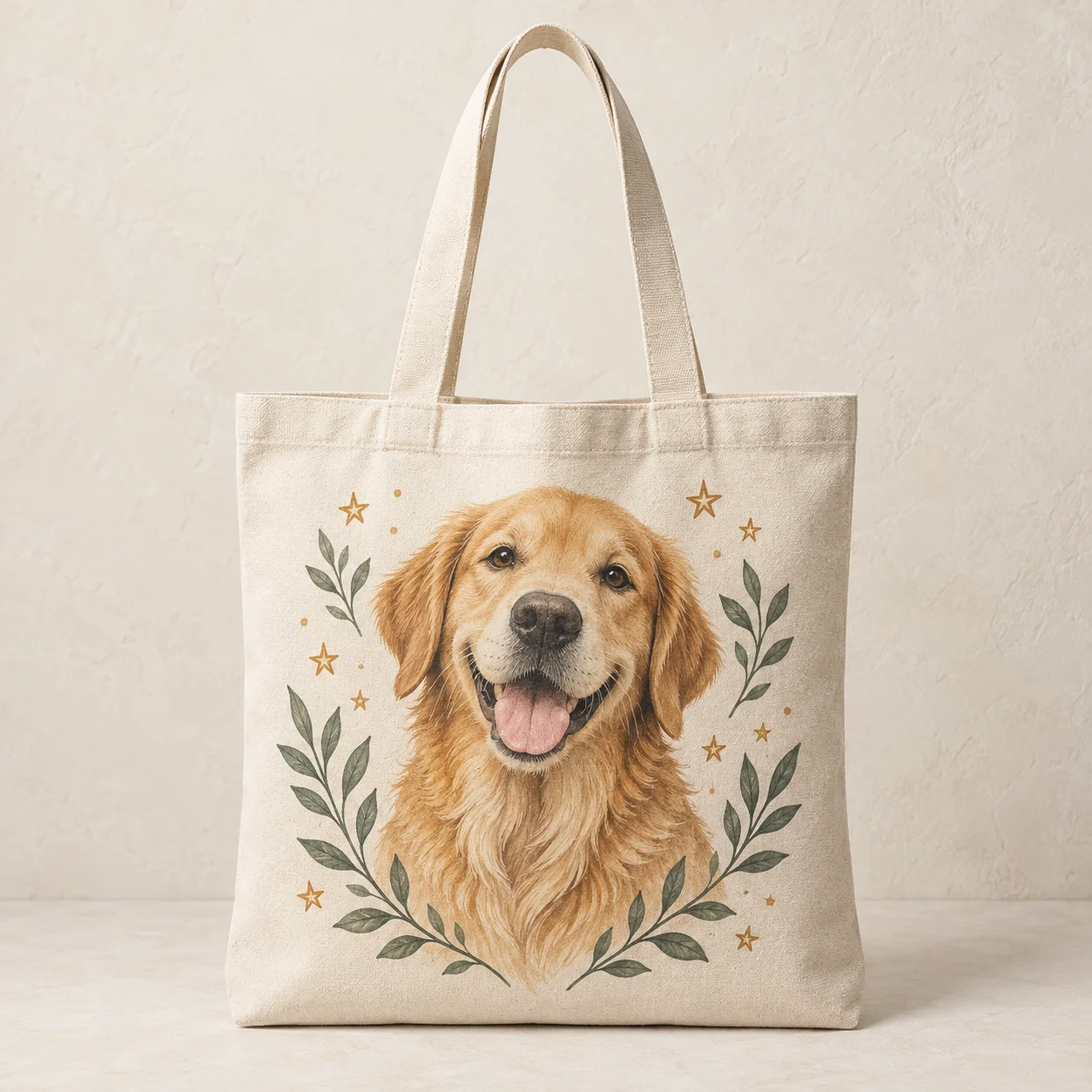 Golden retriever tote
- Titles with replace, prepend, or append modes
- HTML descriptions with a formatted preview
- Price and available stock
- Item specifics and product attributes
- Shared galleries and variation-color images
Compare listing performance
Compare visibility, clicks, and completed transactions by marketplace and reporting period.
ImpressionsViewsSearch CTRConversionTransactions
Reports cover completed days and can be viewed across 7, 30, or 90 days. Chart shown for illustration.
Manage variation images and listing details.
- Filter by status, stock, media, SKU, title, or item specific.
- Manage shared galleries or images by variation color.
- Preview HTML descriptions before saving them.
Find listings to review.
Low visibility
Check category, item specifics, listing age, and demand.
Improve click-through
Review the main mockup, title, and price shown in search.
Views without sales
Check product details, shipping costs, and delivery estimates.
Strong performers
See which listings received orders during the selected period.
eBay bulk editing questions
Manage your eBay POD listings.
Start free with 10 uploads, no card needed. Paid plans start at €9.99/month.