How to Bulk Upload Images to Printify
If you search for a Printify bulk image uploader, check what you actually need. Getting files into Printify's library is the easy part. The slow part is turning each image into a product: choosing the blueprint, provider, colors, sizes, placement, price, title, description and tags. A tool that only uploads files leaves all of that for you.
Printify's file requirements
From Printify's print file requirements:
| Requirement | Value |
|---|---|
| File types | JPEG, PNG, SVG |
| Max file size | 100 MB for JPEG and PNG, 20 MB for SVG |
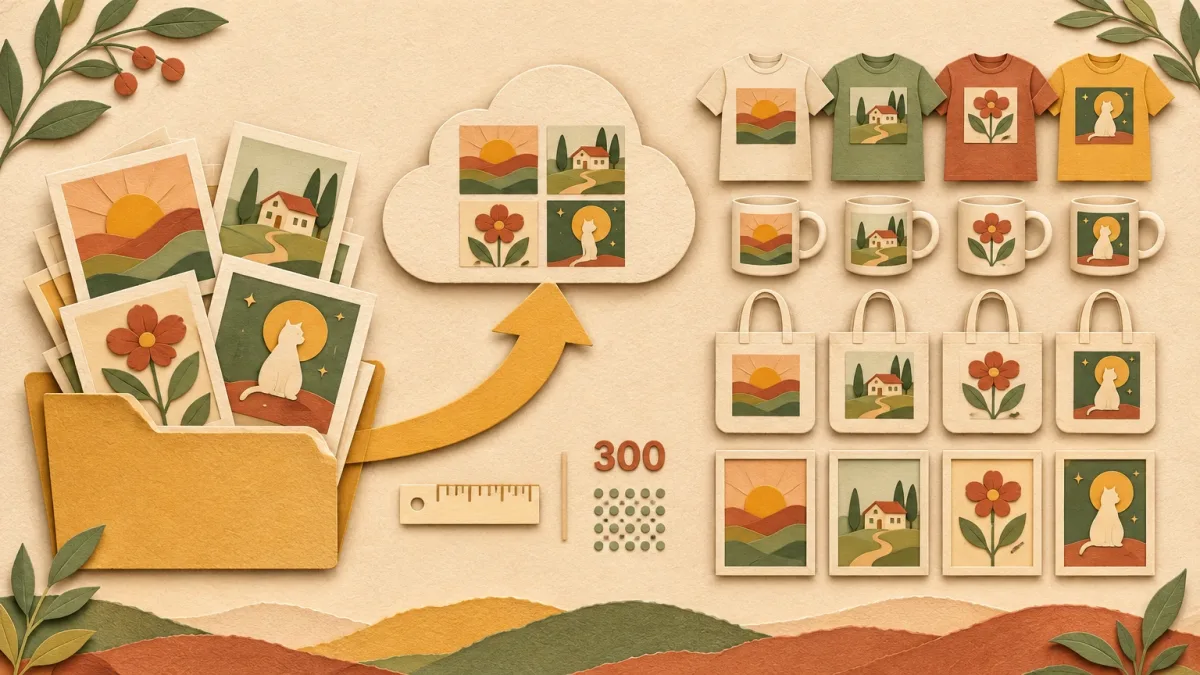
| Recommended resolution | 300 DPI for most products |
| Large products | 120 to 150 DPI for leggings, blankets, tapestries |
| Low resolution | Printify enhances it automatically before production |
Use PNG with a transparent background for apparel and mugs. Use SVG only for vector artwork, not photos. Each product shows its exact print area size in the Product Creator, so export at that size when you can.
Prepare the batch first
Ten minutes of preparation saves an hour of fixes:
- Group designs by product and shape. Wide designs, tall designs and square designs need different placement. Put them in separate folders.
- Name the files well. "retro-cat-mug-orange.png" helps you, and some tools use the file name as a hint for the title.
- Trim empty space. Transparent padding around the design makes it print smaller than you expect.
- Check the size. Compare your pixel size with the print area of your product.
Option 1: Printify alone
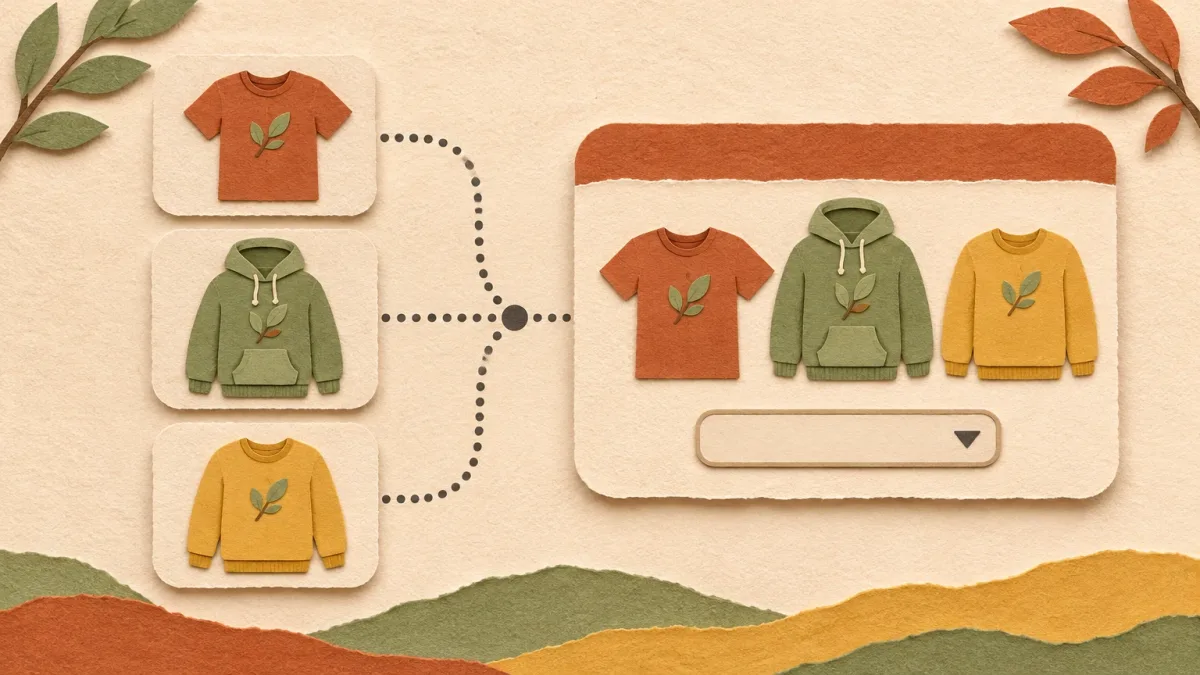
Make one finished product, then duplicate it and swap the design for each new image. This is free and fine for up to about 10 designs a week. You still write every title and set of 13 tags yourself.
Option 2: Upload-only extensions
A few small Chrome extensions upload a batch of images into your Printify media library with your Printify API token. That saves the file dialog, but every image still has to be placed on a product by hand. Check the reviews and user count before you give any tool your API token.
Option 3: A bulk uploader that creates products
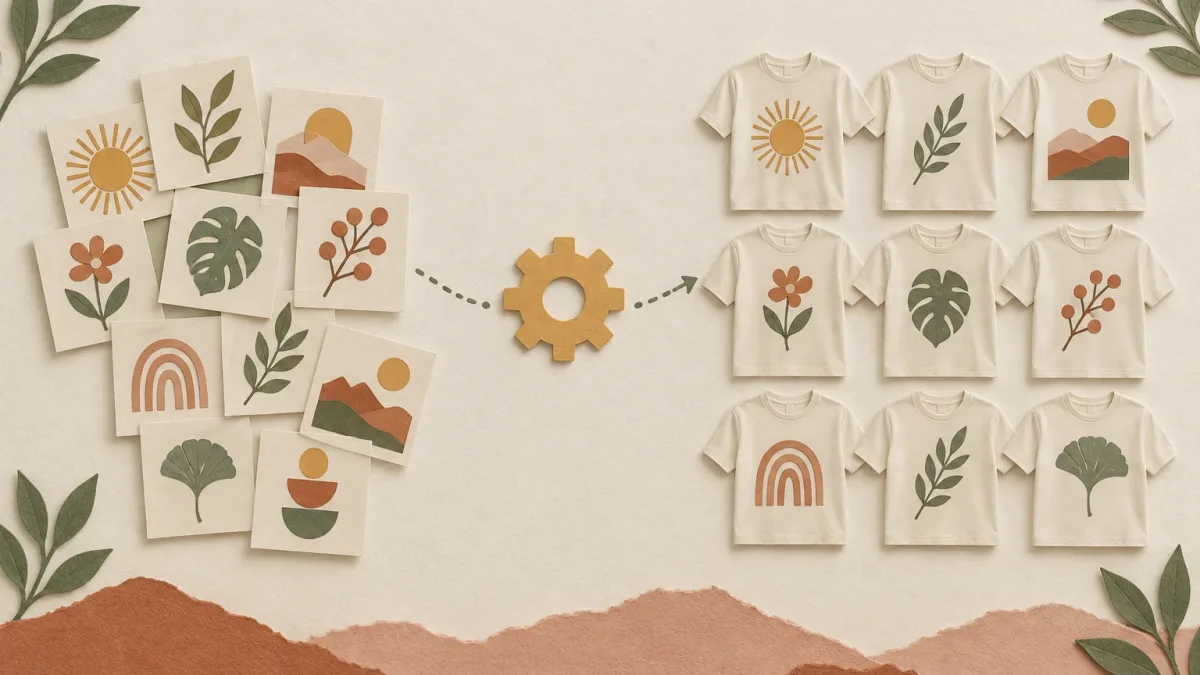
A bulk uploader takes a folder of images and a saved template, then creates a finished Printify product for each image. Good ones also write the listing copy from the image. Examples include PaloTagz, Batchify and CatalogPush. I compare them in the best tool to bulk upload designs to Printify.
With PaloTagz, the flow is:
- Connect your Printify shop with your API token.
- Pick or save a template: product, provider, variants, placement and prices.
- Drop in the folder. AI drafts a title, description and 13 tags for each design.
- Review the placement and copy, then create the products.
- Publish to Etsy, Shopify or eBay from Printify.
The free plan includes 10 uploads, enough to test a real batch. Starter covers 50 uploads a month. Pro is unlimited.
The step-by-step version, with how I check a batch before publishing, is in how to upload 100 designs to Printify.
Check before you publish
Whatever tool you use, open three products from every batch in Printify before you publish:
- Is the design centered and the right size on the largest and smallest variant?
- Do the colors make sense with the design? Dark text on a black shirt disappears.
- Does the title describe the product a buyer would search for?
If one is wrong, the same setting is probably wrong for the whole batch.
FAQ
Can I upload a whole folder to Printify at once? Printify's product creator works one product at a time. To turn a folder into products in one step, you need a bulk uploader that uses the Printify API.
What is the best image size for Printify t-shirts? Check the print area in the Product Creator for your blueprint and provider, and export at that size at 300 DPI. Sizes differ between products and providers.
Is it safe to give a tool my Printify API token? Only to tools you trust. The token gives access to your Printify shop. You can revoke it in your Printify account at any time.