What is the Best Tool to Bulk Upload Designs to Printify?
The best way to bulk upload designs to Printify depends on how many you make. Under 10 designs a week, duplicate a finished product inside Printify and swap the artwork. Over 20 a week, use a bulk uploader that applies one saved product template to a whole folder. If you write code, the Printify API does the same thing for free.
I build PaloTagz, which is one of those bulk uploaders. So read this as a biased list. I still tell you when you do not need it.
The short answer
| Your situation | Best option | Why |
|---|---|---|
| 1–10 designs a week | Duplicate in Printify | Free, no new tool, fast enough |
| 20–500 designs a week, no code | Bulk uploader (for example PaloTagz) | One template, whole folder, titles and tags included |
| Developer, custom workflow | Printify API + your own script | Free and fully flexible, but you maintain it |
| Mostly Gelato, not Printify | Gelato workflow | Different products and pricing, see the comparison |
Not sure which print provider? Read Gelato vs Printify first.
Option 1: Duplicate products inside Printify
Make one product you would sell. Set the provider, sizes, colors, placement, and prices. Then duplicate it for each new design and replace the artwork.
Good: free, nothing to connect, you see every product. Bad: every design is several clicks plus a placement check. At 50 designs this eats an afternoon. You still write each title, description, and 13 tags by hand.
I did this for my first year. It works until listing becomes the bottleneck instead of designing.
Option 2: A bulk uploader with templates
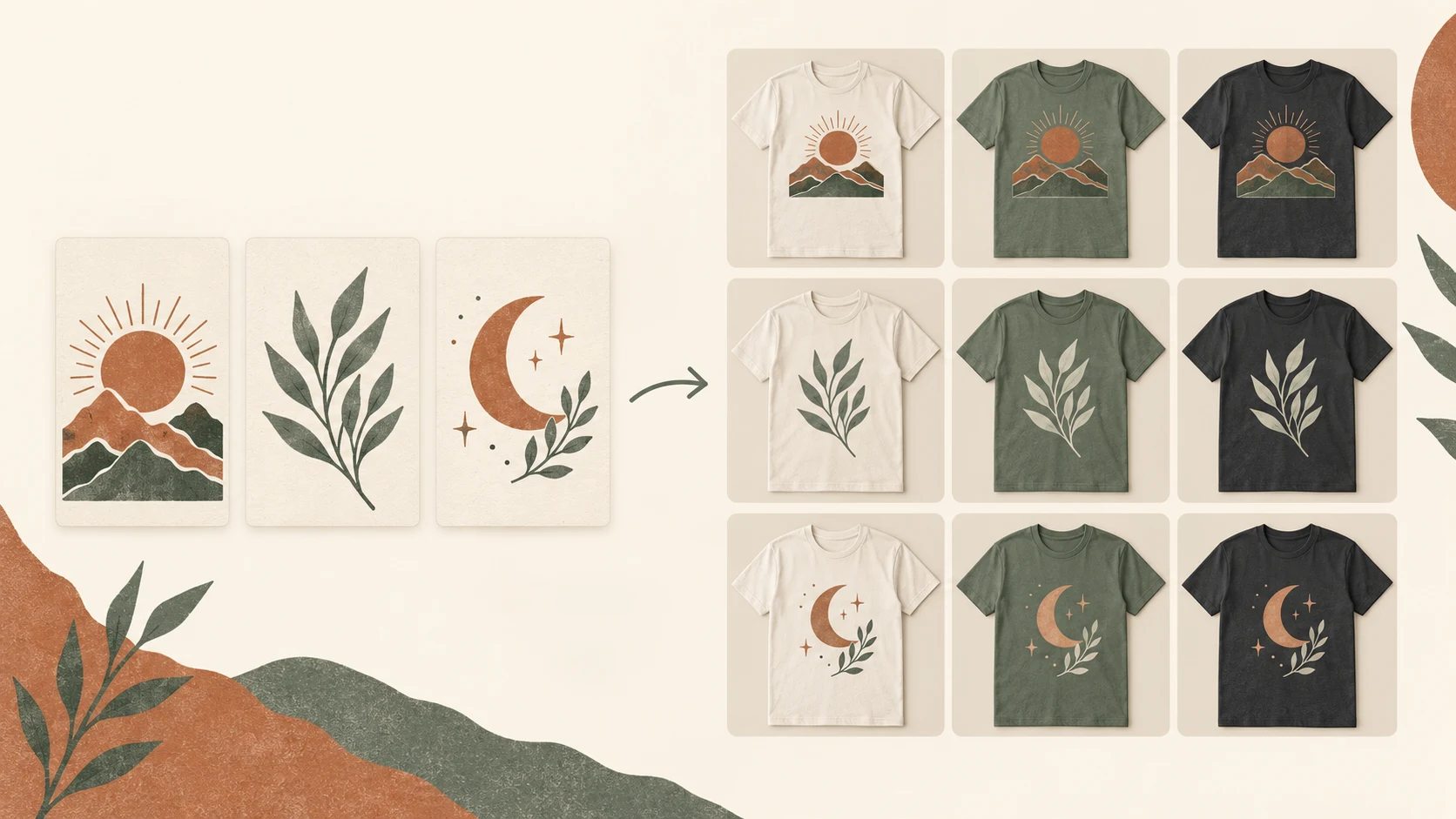
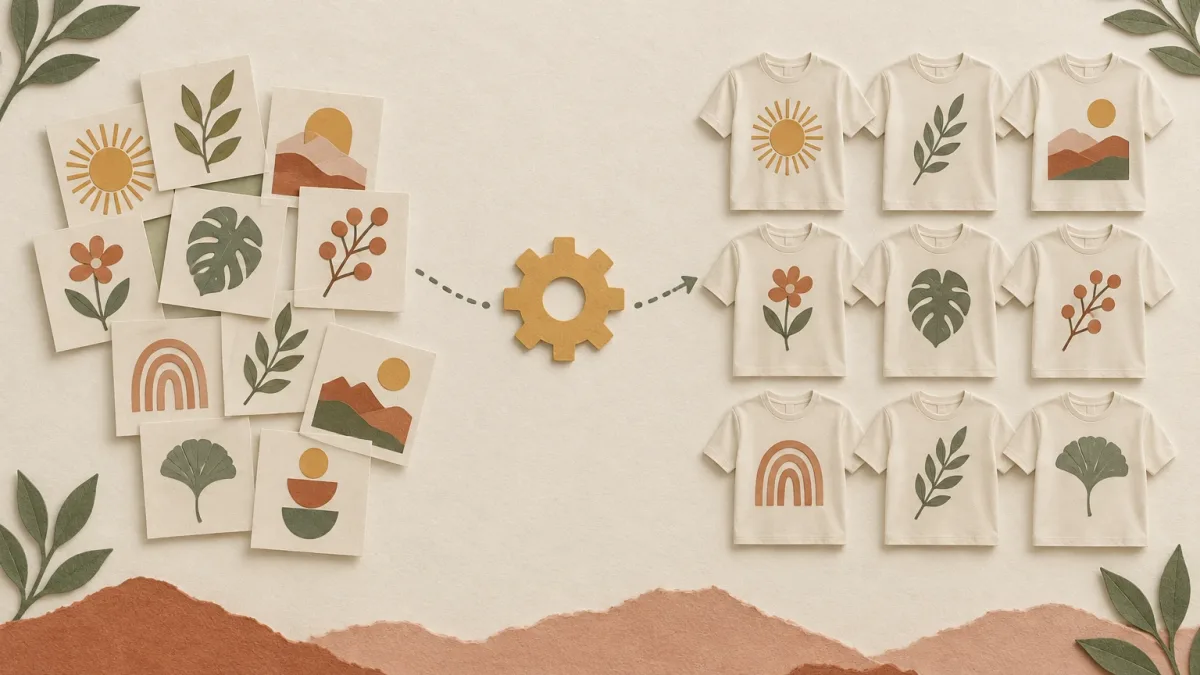
A bulk uploader stores the product setup once (product, provider, variants, placement, prices) and applies it to every file you drop in. Good ones also write the listing copy from the design image.
What to check before you pay for any of them:
- Does it create real Printify products, or only upload files to the media library? File upload alone leaves the slow part undone.
- Can you save several templates? Shirts, mugs, and back prints need different setups.
- Can you review placement per design? Wide and tall artwork break shared settings.
- Does it write titles, tags, and descriptions from the image? Otherwise you still type for hours.
- Does it publish to Etsy or only to Printify? Product creation and publishing are separate steps.
PaloTagz does all five. Starter covers 50 uploads a month; Pro is unlimited. Step-by-step: how to upload 100 designs to Printify.
Option 3: The Printify API
Printify has a public API. A script can upload images, create products from a blueprint, and publish them. It is free apart from your time.
Pick this if you already code and want a custom pipeline. Skip it if you would rather spend that weekend designing. You also handle errors, retries, placement, and listing copy yourself.
What I would pick
- Starting out, a few designs a week: duplicate in Printify. Do not pay for speed you do not need yet.
- Posting daily, or sitting on a folder of 100+ finished designs: a bulk uploader. Listing volume matters on Etsy, see more listings, more sales.
- Developer: the API, unless you value the built-in listing AI.
FAQ
Does Printify have a built-in bulk upload? You can upload several images to the Printify media library and duplicate products. Turning each image into a finished product with variants, placement, and prices is still a per-product step.
Is there a free way to bulk upload to Printify? Yes. Duplicating products in Printify and the Printify API are both free. Bulk uploader apps usually charge a monthly fee for doing it without code.
Can I bulk upload to Printify and Etsy at the same time? Printify publishes products to your connected Etsy shop. A bulk uploader creates the Printify products, then you publish them to Etsy from the same flow. See how to connect Printify to Etsy.
How many designs should I upload per batch? Start with 3–5 awkward files (wide, tall, small text) and check them in Printify. Then run the rest of that product group.
PS: Have a folder of finished designs? Go to PaloTagz, save one Printify template, and upload the whole folder with titles and tags written for you.