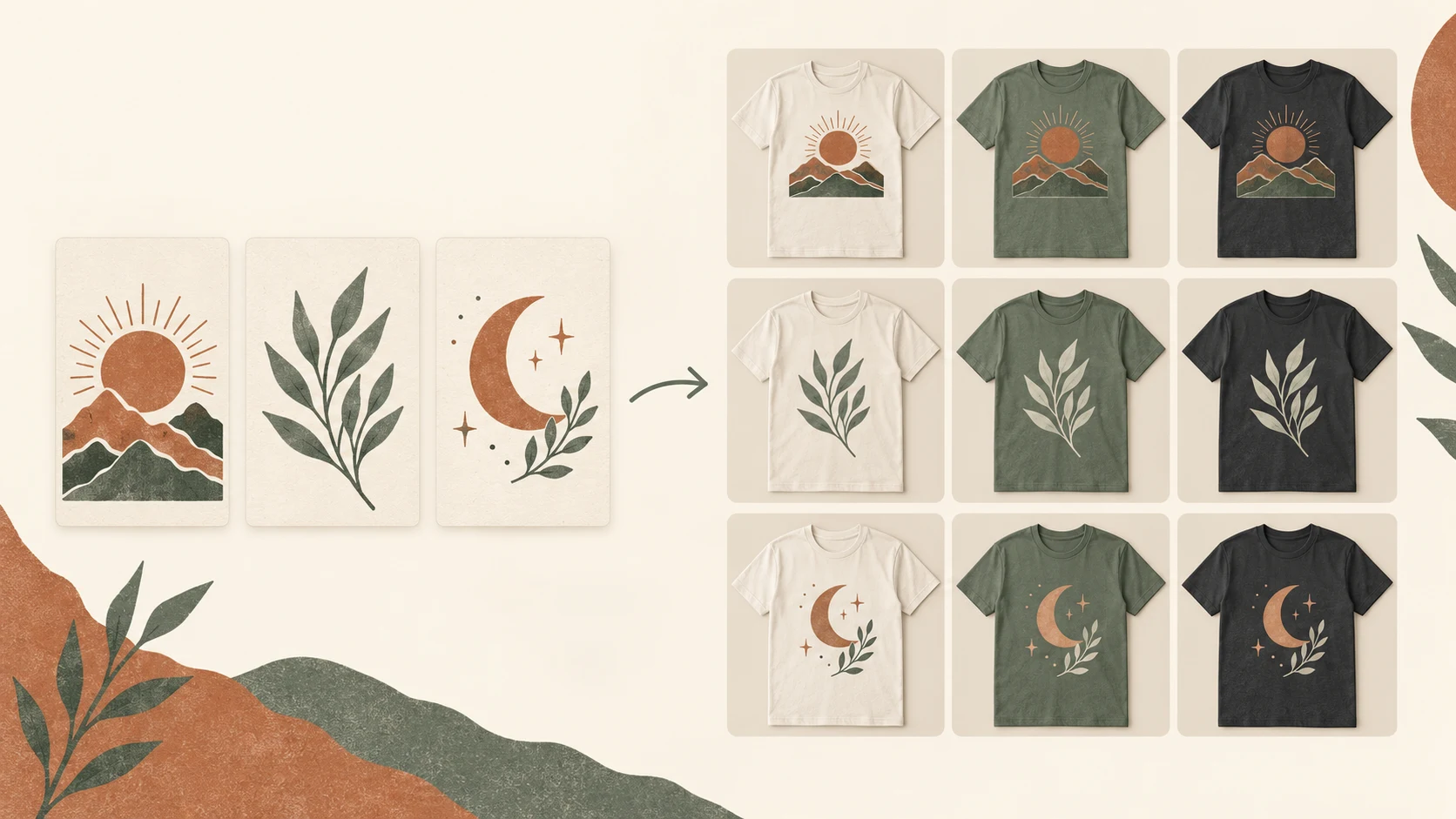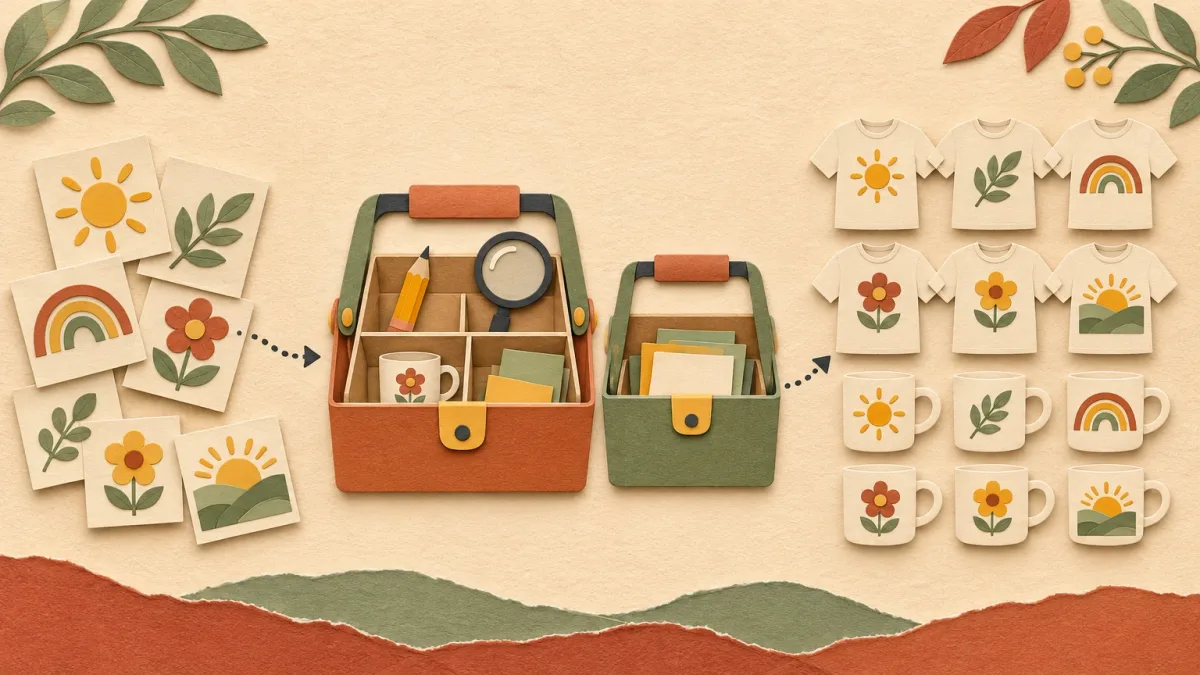
How to Change Printify Mockups in Bulk
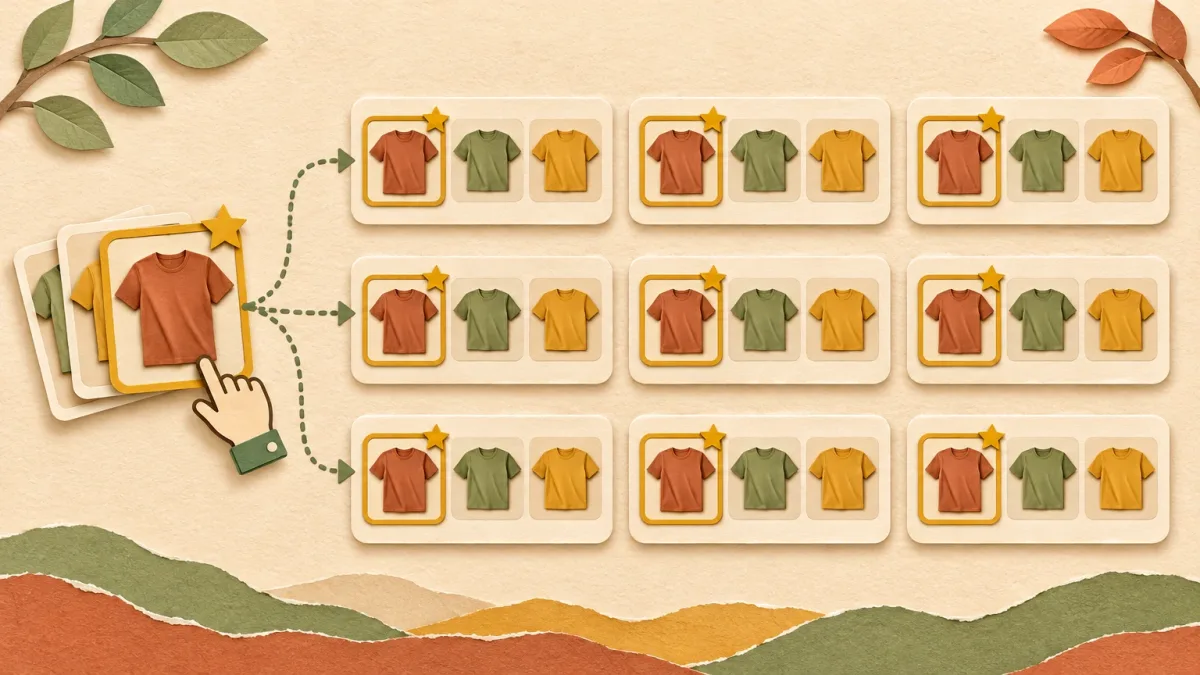
Printify lets you choose and reorder mockups one product at a time. There is no button to change the main mockup on 200 products at once. You have three workarounds, and which one fits depends on whether the products already exist and where buyers see the photos.
How mockups work in Printify
Open a product and click View all mockups to open the Mockup Library. Click the mockups you want on the listing. Drag them to set the order. The first image becomes the main photo. This comes from Printify's Mockup Library guide.
After you change mockups, republish the product so Etsy or Shopify gets the new photos.
That takes about a minute per product. At 20 products it is fine. At 300 products after a niche change it is a weekend.
Option 1: Get it right on the template before you create products
The cheapest bulk mockup edit is the one you never have to make. Before you create a batch:
- Build one product exactly how you want it, including the mockup selection and order.
- Duplicate it for each new design, or use it as the template in a bulk uploader.
- Check three products from the batch before you publish the rest.
Duplicates and template-based tools start from the template's product setup. Check on the first few products that your mockup choices carried over. Different blueprints and providers can offer different mockup sets.
Option 2: Copy mockup choices to existing products with an extension
For products that already exist, a browser extension can click through Printify for you. Batchify's Mockup Fixer copies the mockup selection from one product and applies it to similar products: same product type, brand, provider and blueprint. Its free plan handles up to 24 products per run, and paid Batchify plans remove the limit.
Two cautions with any extension that clicks through Printify for you:
- Test it on a few products first and check them in Printify.
- Republish afterwards so the new photos reach your sales channel.
Option 3: Replace the photos on Etsy with your own mockups
Printify's mockups look like everyone else's, because everyone uses them. Many sellers use their own lifestyle mockups as the first photo instead. In that case the Printify mockup order matters less. What matters is the photos on the live Etsy listing.
- Create your own mockups in bulk. My process is in how to create t-shirt mockups in bulk.
- Upload them to the live Etsy listings as the first photo.
- Keep Printify's mockups further down for color and size reference.
PaloTagz does both steps. Mockup Studio renders your designs on reusable scenes and exports them as a ZIP. The Etsy bulk editor then updates images on many live listings at once. The free plan includes 100 mockups and 10 Etsy edits.
Watch out: if you republish the product from Printify later, Printify can send its own mockups to the listing again. Change your own photos after your last Printify republish, or set the order in Printify too.
Which option to use
| Situation | Best option |
|---|---|
| You are about to create a new batch | Fix the template first (Option 1) |
| Hundreds of existing products, same blueprint | Mockup-copying extension (Option 2) |
| You want custom lifestyle photos on Etsy | Replace Etsy photos in bulk (3) |
What makes a good main mockup
- Same angle across the shop. Search results look consistent and easier to scan.
- Readable design at thumbnail size. Zoom out to 25 percent and check you can still read the text.
- Bright and sharp. Etsy names a dark or low-resolution first photo as a reason a listing shows up less in search.
- Horizontal or square crop. Etsy crops the first photo in search results, so keep the design near the center.
FAQ
Does Printify have a bulk mockup editor? Not as of November 2026. Mockups are chosen per product in the Mockup Library.
Do new mockups appear on Etsy automatically? No. Republish the product from Printify after you change its mockups.
Can I upload my own mockups to Printify? Yes. Printify supports custom mockup uploads per product. For many products, it is usually faster to update the photos on Etsy directly.