Do I Need to Tell Etsy I Use Printify or Printful?
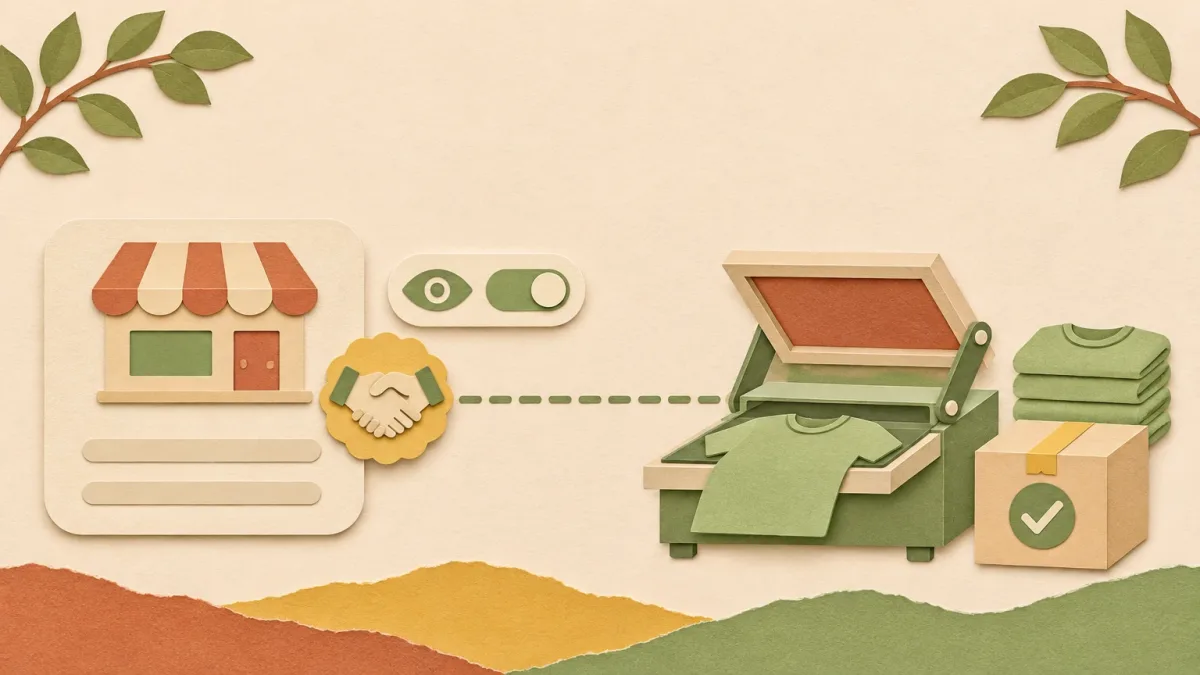
Yes. If Printify, Printful, Gelato, or another print-on-demand service makes your products, Etsy requires you to add it as a production partner on those listings. Etsy's help article on working with production partners names print-on-demand services such as Printful and Printify as production partners and says sellers must "transparently share this information on the applicable listings."
It takes about five minutes, and you can hide the partner's name from buyers if you want.
I sell print-on-demand on Etsy with Printify and I build PaloTagz. Here is the setup I use.
| Question | Answer |
|---|---|
| Do I have to disclose Printify or Printful? | Yes, as a production partner on the listings it makes. |
| Does the buyer see "Printify"? | Only if you choose to. Otherwise they see a title you write. |
| Where do buyers see it? | In your shop's About section. |
| Does it cost anything? | No. Etsy does not mention any fee for adding a partner. |
| Can I add it on my phone? | Not in the Etsy Seller app. Use Etsy.com. |
Add the production partner once
- On Etsy.com, open Shop Manager → Settings → Partners you work with.
- Click to add a new partner.
- Enter the partner's name, for example Printify.
- Decide on Show this production partner's name to buyers. If you turn it off, write a short public title instead, such as "Apparel printer" or "Print studio".
- Add the location and a short public description of what the partner does, for example "Prints and ships my t-shirt designs."
- Answer the questions about the partnership. Etsy keeps those answers internal; buyers do not see them.
If you use more than one provider, add each one. Printify routes orders to different print providers, but on Etsy you can add Printify itself as the partner.
Attach it to your listings
New listing: in the listing editor, open Production partners in the listing details and select the partner.
Existing listings in bulk:
- Open Shop Manager → Listings.
- Select the listings made by that partner.
- Choose Editing options → Change production partners and pick the partner.
Then check the shipping settings. If the partner ships from another place than you do, update the listing's shipping origin so delivery estimates stay right.
Listings synced from Printify or Printful
Printify and Printful create the Etsy listing, but the production partner is your Etsy setting. After you publish or republish a product from Printify, open one of those listings on Etsy and check that the partner is still attached.
If you are just connecting the two, start with how to connect Printify to Etsy. Choosing a provider? See Printify vs Printful for Etsy.
What a production partner is not
Etsy allows production partners only for items you designed, or items you sourced that the buyer customizes. Print-on-demand fits because the design is yours and the partner prints it.
Buying finished products from a wholesaler or a white-label manufacturer and listing them is not a production partnership. Etsy treats that as reselling, which its help article says can lead to penalties up to account suspension.
FAQ
Do I need to tell Etsy I'm using Printful or Printify? Yes. Add Printful or Printify as a production partner in Shop Manager and attach it to every listing it makes. Etsy names both as examples of print-on-demand production partners.
Will buyers see that I use Printify? Only if you turn on "Show this production partner's name to buyers". If it is off, buyers see the title you write, such as "Apparel printer", in your shop's About section.
Does adding a production partner hurt my Etsy ranking? Etsy's help article does not say it affects search or fees.
Do I add Printify or the print provider it uses? Printify is the service you work with, so add Printify. If you also work with a printer directly, add that printer as its own partner.
PS: Uploading many designs to Printify for Etsy? PaloTagz creates the Printify products from a folder of designs and writes the Etsy titles, tags, and descriptions.